
What is Exporting in Dost?
Exporting is the process through which the data from your documents (once reviewed and enriched) is sent to your ERP or other systems.
This is typically done through export templates that define which fields are sent and in what format.
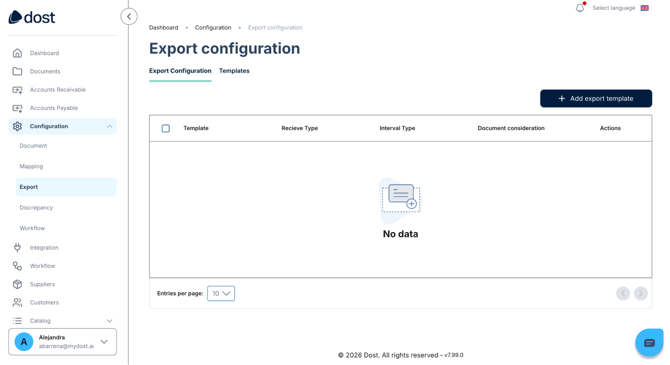
In the image below, you can see the Export Configuration view.
What is it used for? (Business Impact)
A properly configured export process:
- Eliminates duplicate work (you don't need to manually copy data from Dost into your ERP).
- Reduces typing errors and reconciliation issues.
- Ensures that the data reaching your ERP has already been validated and completed.