
Access and Login
Properly configured access allows you and your team to log in to Dost securely and with the appropriate permissions.
This step ensures that everyone knows where to access the platform and how to sign in safely.
Steps:
Locate the Dost Login URL
-
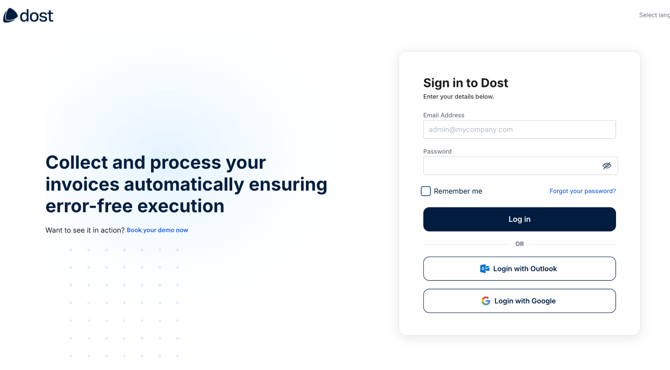
You will typically receive a login link in your welcome email and/or be provided with the URL to access Dost: https://portal.mydost.ai/auth/login
- The image above shows the Dost login screen, including the logo and the email and password fields
Enter Your Credentials
-
Enter your corporate email address and the password you have created or received.
-
If your organization uses Single Sign-On (SSO), select the appropriate option (currently available through Google and Microsoft) and follow the authentication steps.
-
Complete these steps to activate your profile.
Verify Your Role in the Platform
-
Once logged in, confirm with your team whether you have been assigned the Administrator or Standard User role.
-
Your role determines which sections of the platform you can access and the actions you are authorized to perform.